
Jerich.io

Infinite designs.Infinite looks.Every placement.

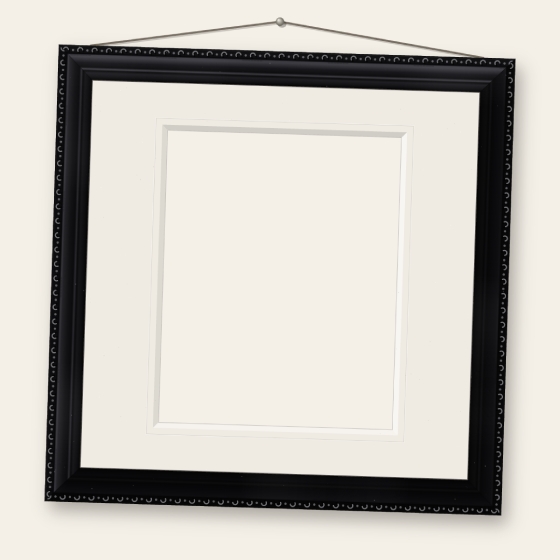
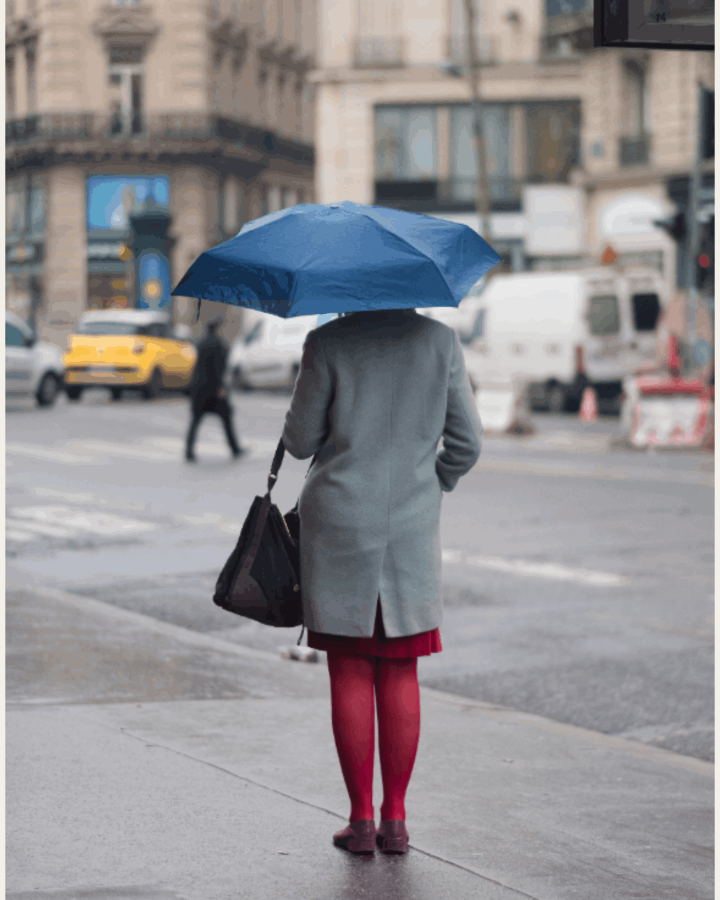
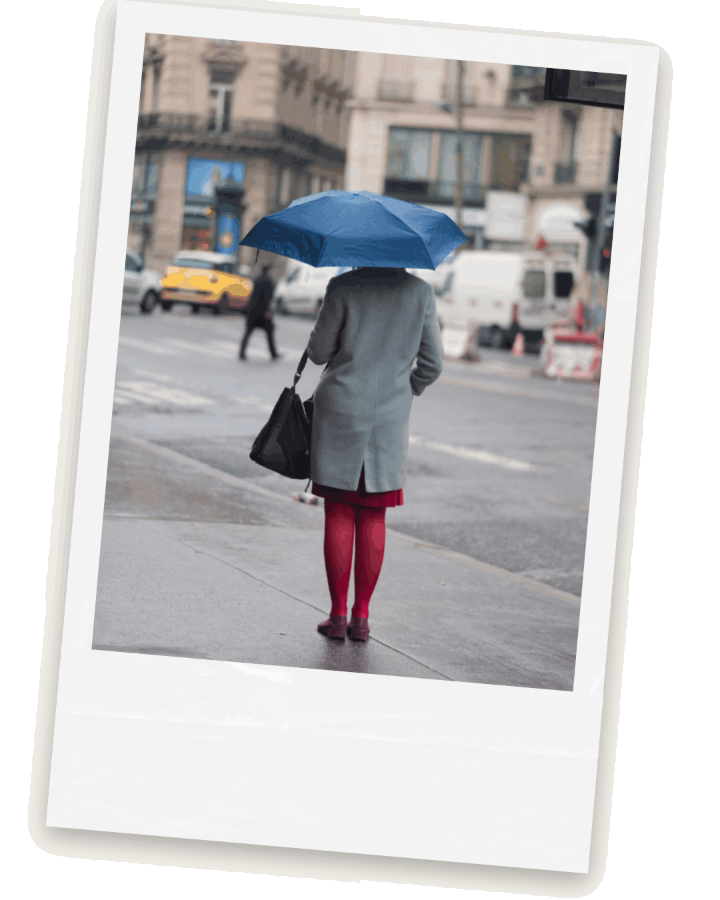
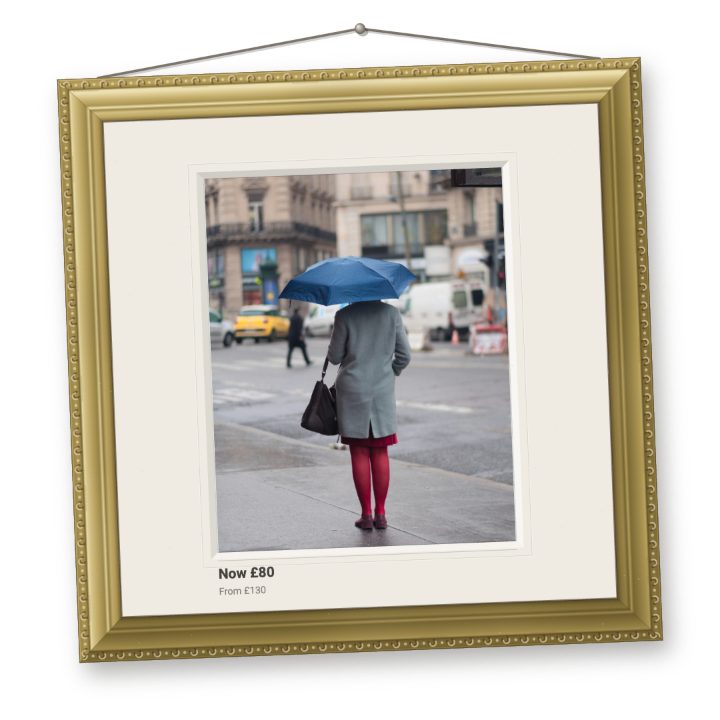
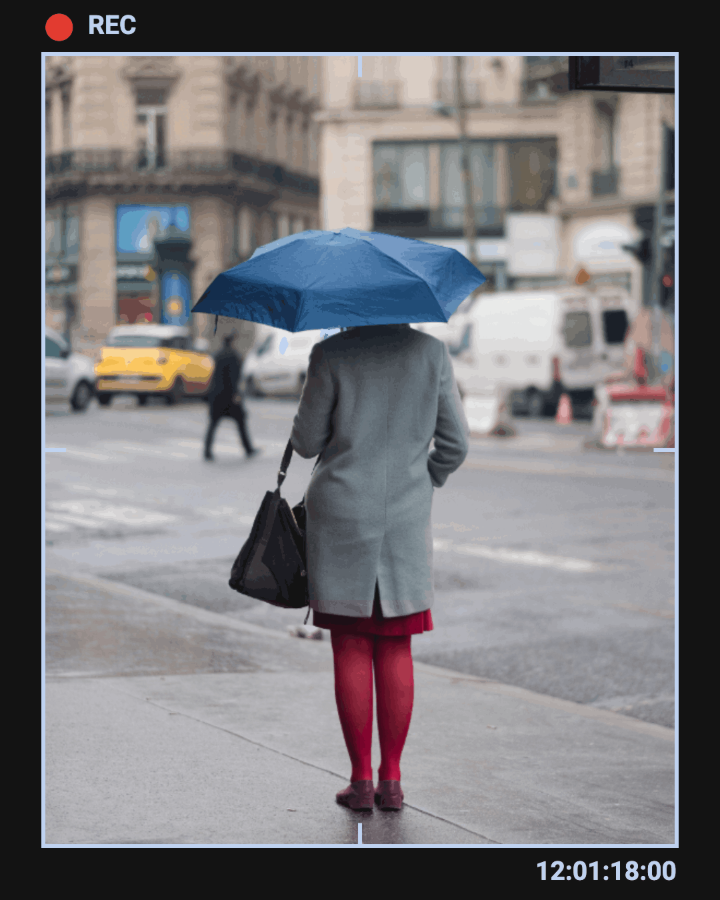
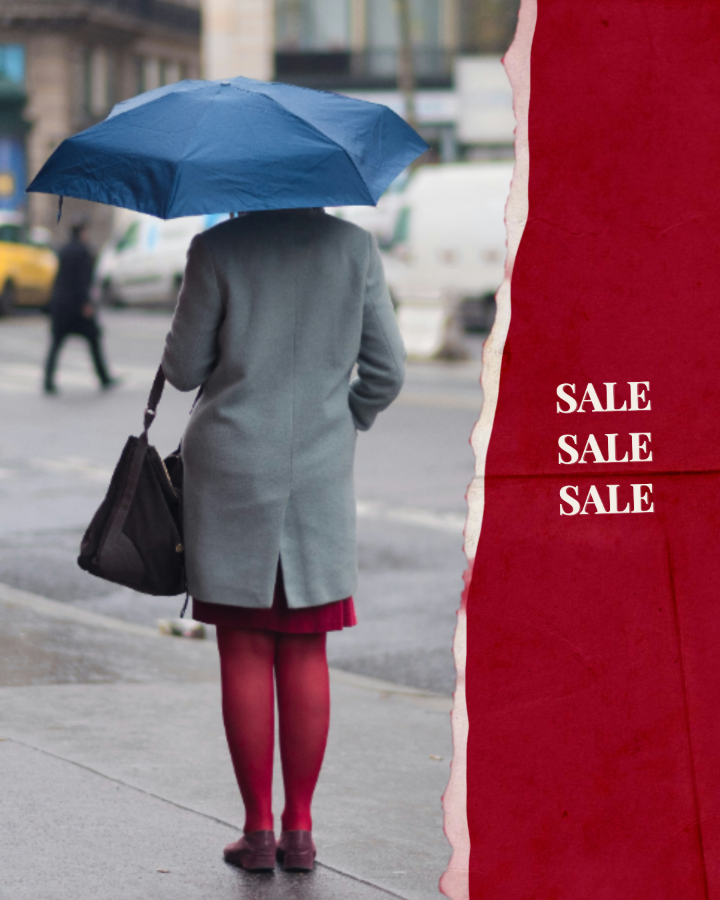
The photograph, unframed Polaroid Minimal frame Gallery Gilt frame with sale pricing Camcorder frame Crimson Tear frame with sale text

The two tools

DPA Frames

Dynamic creative: design one frame and carry it across an entire product catalogue. Upload a product feed or product page, create your overlay once, and automatically render it across every product in the set. Start with a preset or build a frame from scratch, layering in text, logos, decals, and animated elements while keeping the design consistent with your brand identity.

Export a transparent PNG or MP4 to surface on the DPA of your choosing, or a supplementary feed for the frame to surface on every product.

Open DPA Frames
Creative

Ad creative: create bespoke, finished assets tailored to individual products or campaigns. Upload photographs, video, or animation, then colour grade with custom filters and fine controls, trim and pace footage, or retouch portraits with face aware tools.

Finish each piece with frames, text, logos, decals, and animated elements, while bringing in your brand's own typefaces, colours, and visual identity.

Open Creative

How it works

DPA Frames

  1. 01

    Load the products

    Upload a catalogue feed, paste a product page address, or drop images straight in. Titles and prices carry through automatically.

  2. 02

    Design the frame

    Start from a preset or build your own. Layer in text, logos, decals and animation, in your brand's own typefaces and colours. Design once and it renders across every product in the set.

  3. 03

    Export at scale

    A transparent PNG or MP4 per product, or a live supplementary feed so the frame surfaces on every product in your dynamic ads.

Creative

  1. 01

    Load the piece

    Upload a photograph, video or GIF. Work on one image or several layered together.

  2. 02

    Edit and finish

    Colour grade with filters and fine controls, trim and pace footage, retouch portraits with face aware tools, then finish with frames, text, logos and decals.

  3. 03

    Download

    A finished PNG or MP4 in the placement sizes of your channel, ready to run as ad creative.

PresetsThree of fifteen in the library

Film Strip preset
01 Film Strip
Layered Polaroid preset
02 Layered Polaroid
Gallery Gilt Black preset
03 Gallery Gilt Black

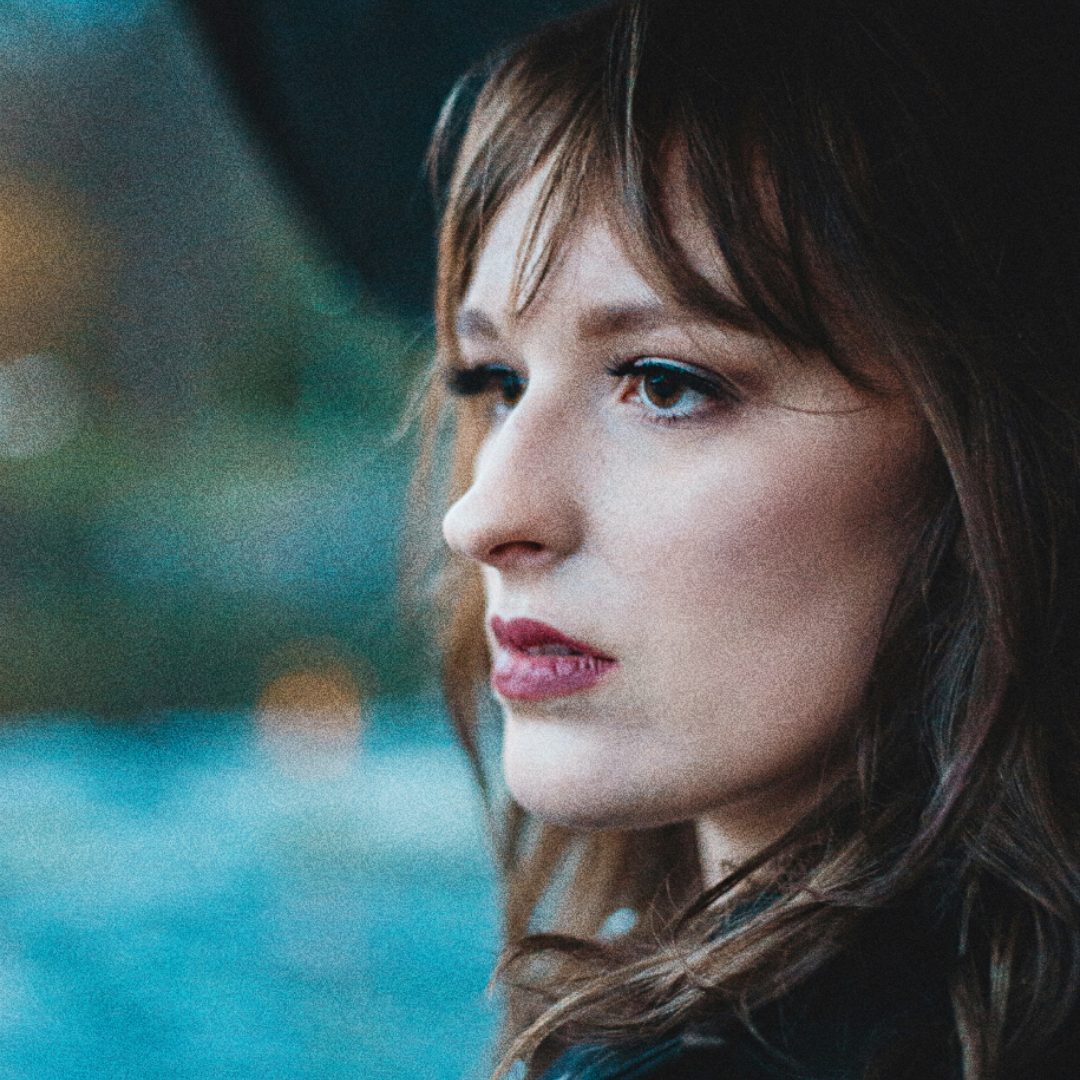
RetouchingThe retouch suite, Creative only. Drag the plate to reveal the retouched pass.

Original portraitPortrait after retouching
01Original, drag for the retouch

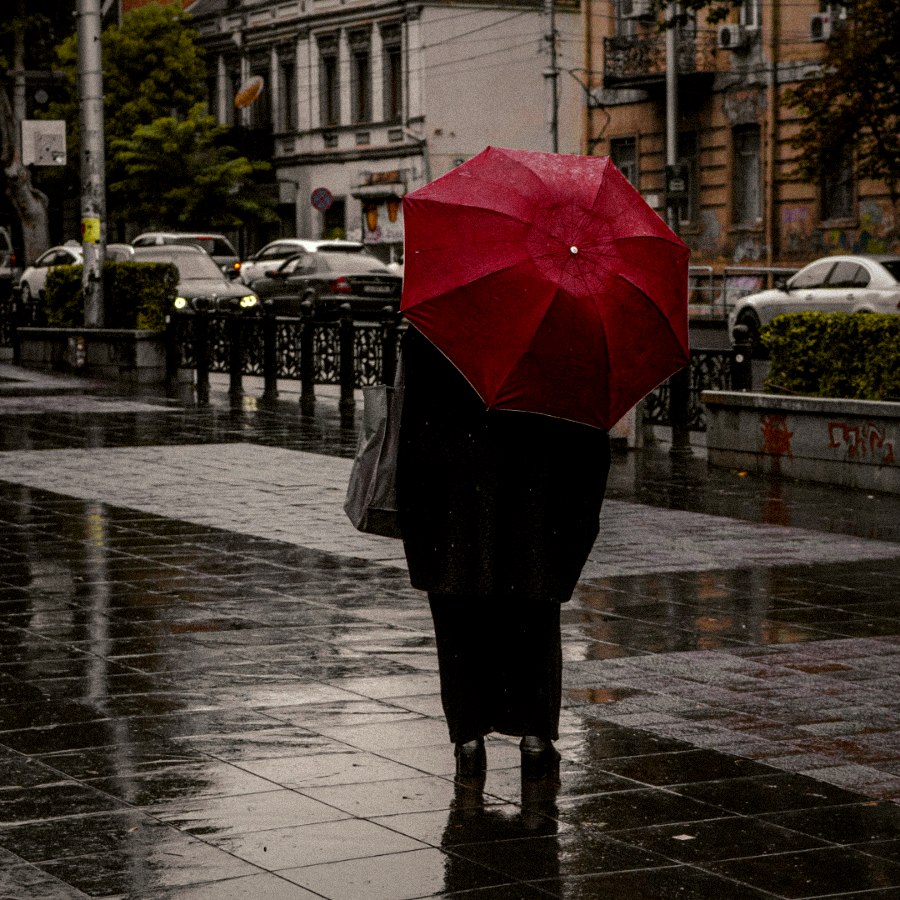
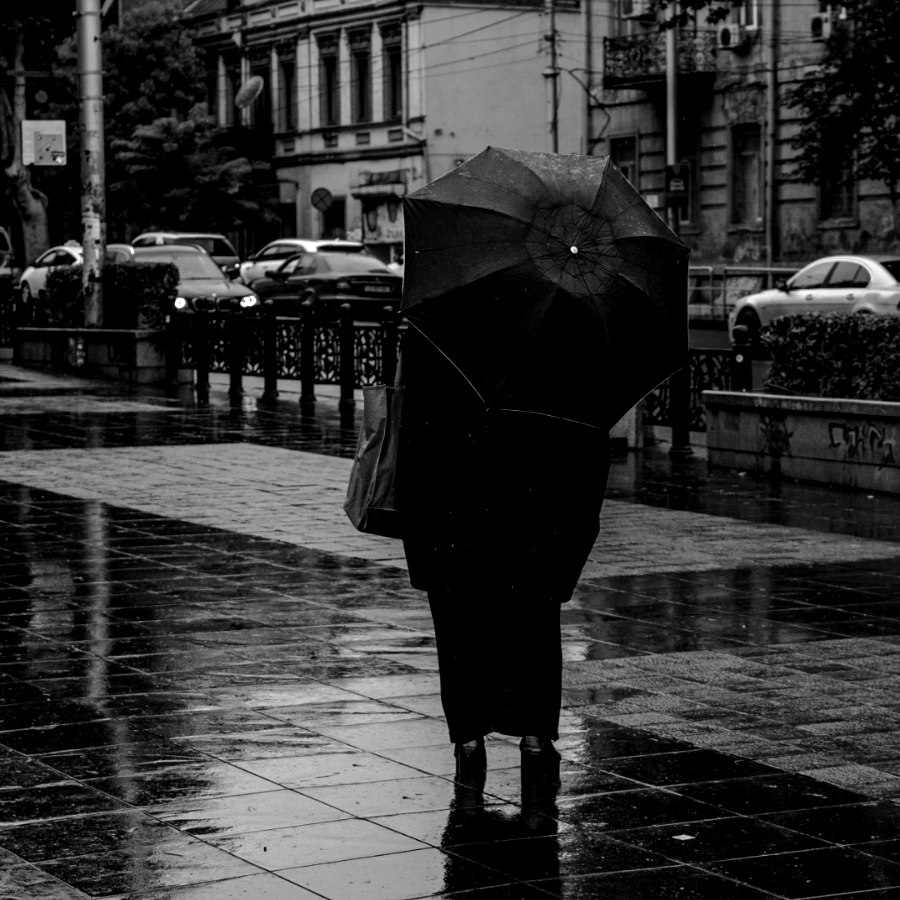
FiltersThree of eighteen looks, Creative only. Drag a plate to compare with the raw photograph.

Panorama filter
01Panorama
Cinema filter
02Cinema
Parthenon filter
03Parthenon
JERICH.IO Infinite designs. Infinite looks.
Every placement.